- AI product photography replaces studio shoots. It gives you faster, more flexible, lower-cost imagery for e-commerce catalogues.
- Core types include white-background, lifestyle, 360-degree, flat-lay and seasonal product shots.
- Image specs differ by platform. Optimise separately for Shopify, Amazon, Lazada, Instagram and Pinterest.
- Amazon explicitly allows AI-generated product images that accurately represent the product, with no disclosure required.
- The economic case gets stronger at scale. The more SKUs and variations you need, the bigger the advantage.
Why AI Product Photography Is Transforming E-commerce
AI product photography has changed how e-commerce brands create product imagery. The old model was slow. You hired a photographer, rented a studio, and spent a day shooting. Then you waited 4 weeks for retouching. A faster, cheaper, more flexible alternative is replacing it: AI product photos.
For e-commerce specifically, AI is exceptional. Product photography is arguably where AI excels most. Clean backgrounds, consistent lighting, multiple angles, endless variations. AI does all of these best.
But AI product photography isn't just about cost savings. It's about agility. You can test visual variations in hours. You can launch new SKUs faster and optimize for different markets at the same time. You can also A/B test product presentation with little investment.
This guide covers everything you need to know about using AI for your e-commerce product photography.
Why Product Photography Matters for E-commerce Conversion
Before we get to the "how," let's cover the "why." Product photography isn't decorative. It directly hits your bottom line.
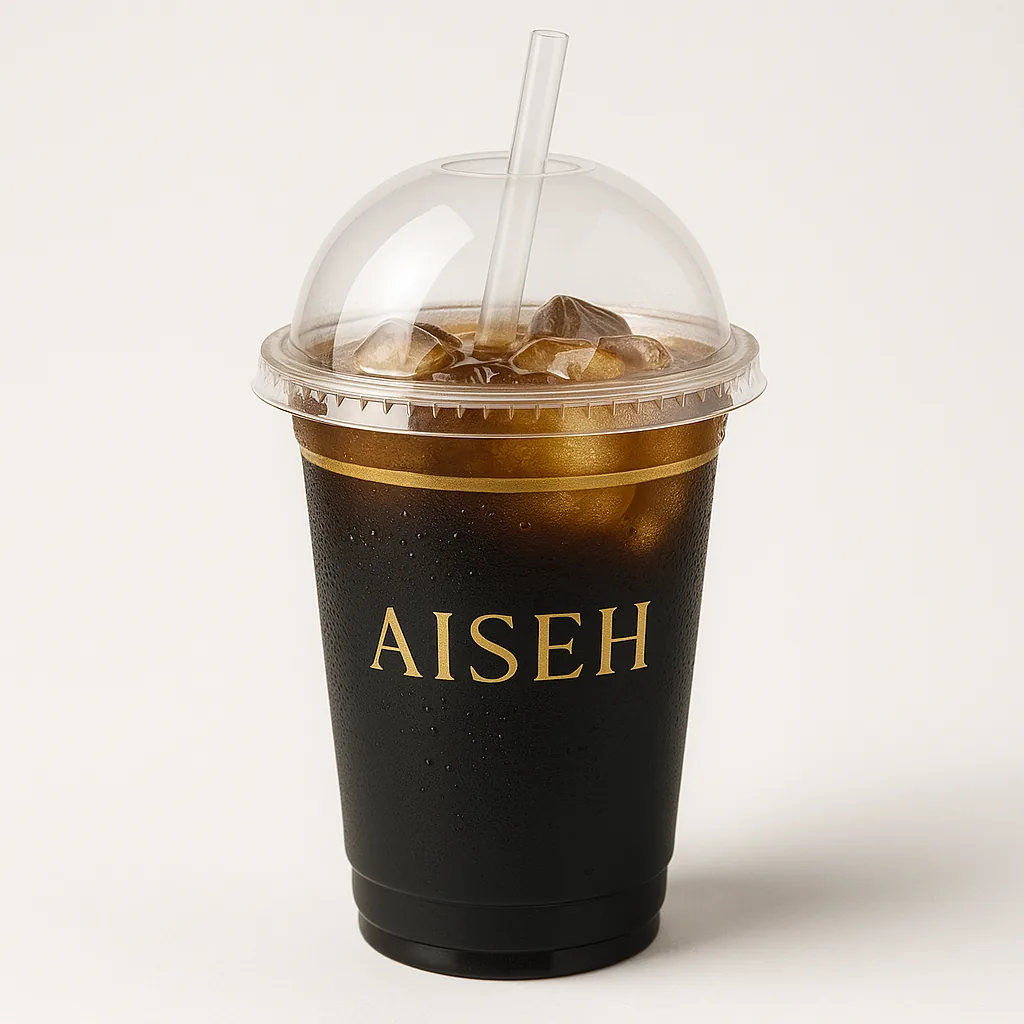
Key statistics:
- 73% of consumers say product photos matter more than product descriptions when they decide to buy.
- High-quality product photography lifts conversion rates by 27–40%.
- Multiple product angles increase conversion by 40%.
- Lifestyle product photos convert 30% better than plain white-background shots for fashion.
- Products shown in multiple settings get 3–5x higher engagement on social media.
Translation: Your product photos may be your most important marketing asset. They're not an afterthought. They drive sales.
The old approach: hire costly photographers, shoot rarely, and stick with the same photos for months.
The AI approach: create dozens of variations, test often, and optimize for every platform and market.
Types of AI Product Photography for E-commerce
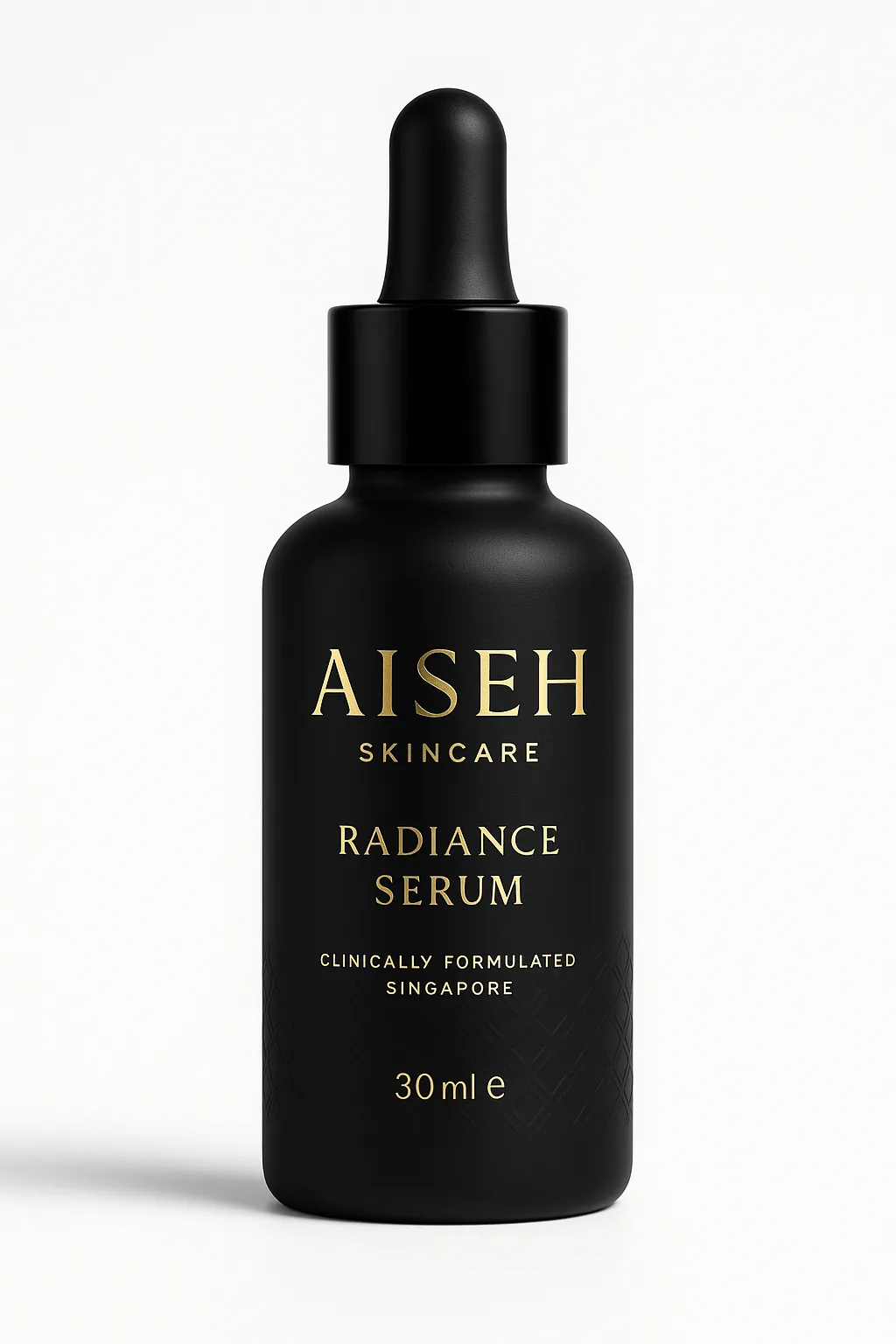
1. White Background Product Photography
This is the classic e-commerce standard: clean white background, product front and center, studio lighting. Every major platform expects it as the baseline.
Best for: Amazon, Shopify core product page, eBay, marketplace listings.
AI excels here: Absolutely. It delivers multiple angles, consistent lighting, and perfect clarity.
Tips: Center the product and fill 65–75% of the frame. Avoid shadows. Make sure the background is true white (255, 255, 255 in RGB).
2. Lifestyle Product Photography
The product is shown in context: on a person, in a setting, in use. This builds emotional connection and shows real-world use. See how fashion brands use AI lifestyle photography to boost conversions.
Best for: Instagram, Pinterest, product landing pages, fashion/apparel categories.
AI capability: Strong and improving. AI can create realistic lifestyle scenes, though hands and complex interactions can still look unnatural.
Tips: Name the exact setting, lighting mood, and context. "Product used in bright morning kitchen by woman in 30s" beats just "lifestyle shot."
3. 360-Degree Product Views
These show all sides of the same product from many angles. Some platforms, like high-end e-commerce and furniture sites, favor 360-degree views.
Best for: Luxury e-commerce, furniture, electronics, anything where spatial understanding matters.
AI capability: Very good. AI can generate 12, 24, or 36 angles of the same product from different views.
Tips: Ask for a fixed product position and rotation increment. "360-degree view, 24 angles, 15-degree increments" is clear guidance.
4. Flat-Lay and Detail Photography
The product is laid flat with complementary items to show texture and detail. This style is popular for fashion, beauty, and accessories.
Best for: Instagram feed, Pinterest, product storytelling.
AI capability: Excellent. Flat compositions are simpler than 3D environments.
5. Seasonal and Contextual Product Photography
The same product appears in different seasons, holidays, or cultural contexts. This matters most for global e-commerce.
Best for: Seasonal launches, market-specific content, holiday campaigns.
AI advantage: Show the same product on summer beaches, in winter snow, or in tropical settings. No location shoot needed.
AI Product Photography by E-commerce Platform: Optimization Guide
Shopify Store Optimization
Image specifications: Square images (1200×1200px minimum), multiple high-quality images per product page.
AI strategy: Generate 4–6 variations per product (front, side, detail, lifestyle, in-use, flat-lay). Shopify stores with 5+ images per product convert 2.5x better on average than stores with just 1 image.
Priority images: The first image must show the product clearly. The second should be a lifestyle shot. The third should show scale and size.
Amazon A+ Content Optimization
Image specifications: Main image 500×500px minimum (zoom up to 1600×1600px is ideal). Add multiple lifestyle and detail shots in A+ content modules.
AI strategy: Generate main product image with clean white background, then 3–4 lifestyle variations for A+ content carousel.
Amazon rules: No text overlay on the main product image (this is a violation). No watermarks. The product must fill 85%+ of the frame. Your AI images need to follow these specs exactly.
Lazada and Regional Marketplaces
Image specifications: 800×800px minimum. Multiple product photos mandatory. A/B testing of product images is common.
AI strategy: Create multiple variations to A/B test. Lazada merchants who test 3+ product image variations see 15–20% higher click-through rates.
Regional tip: Show diverse models and body types in product photos. Southeast Asian markets respond better to locally representative imagery.
Instagram Shopping and Pinterest
Image specifications: Square or portrait format (1080×1080px or 1080×1350px). Lifestyle-focused.
AI strategy: Generate lifestyle variants optimized for social. Vary the moods, settings, and styling. Test pins with different product placements, backgrounds, and complementary items.
Pinterest specific: Vertical images (1000×1500px) outperform square ones. Generate tall lifestyle variations.
Best Practices for AI Product Photography That Converts
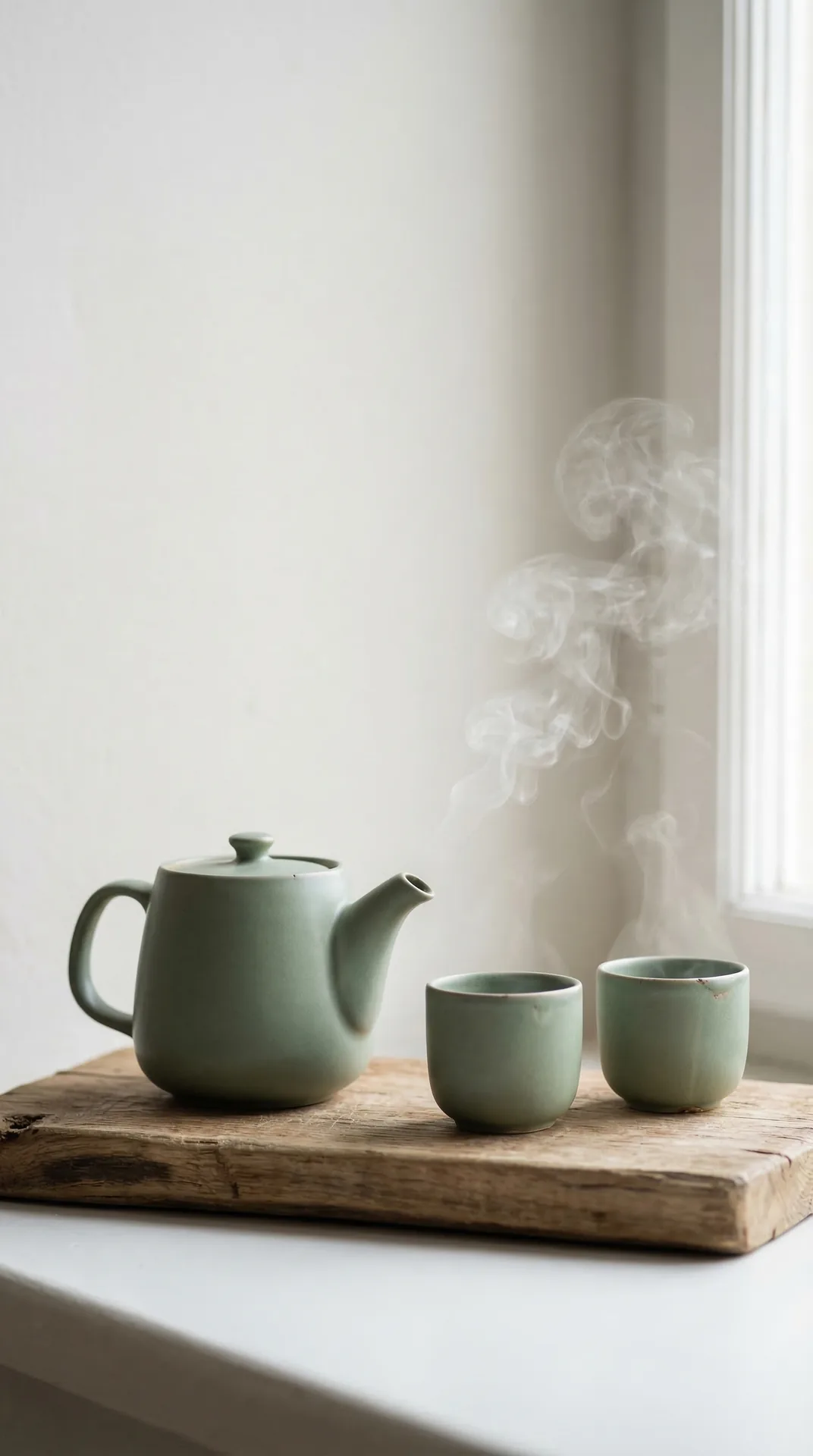
Want to see AI photography in action?
Book a free demo — we'll generate sample images from your actual products.
Book a Free Demo1. Prioritize Clarity and Detail
AI can sometimes oversimplify product details. To prevent this, be specific about what details matter: texture, stitching, material finish, and hardware details.
Instead of: "Product photography"
Say: "Leather handbag in cognac color, close-up showing hand-stitched seams and tonal leather hardware, white background, studio lighting with visible texture."
2. Generate Multiple Color Variations
If your product comes in multiple colors, generate each color in identical settings. This keeps colors consistent and makes comparison easy.
Best practice: Request all color variations under identical conditions: same angle, lighting, background, and scale. This makes color comparison seamless for customers.
3. Optimize for Mobile
65–70% of e-commerce traffic is mobile. Product photos on mobile need to be:
- Clear at small sizes (product must be recognizable at thumbnail size).
- High contrast (visible against any background color).
- Optimized file size (fast loading).
AI tip: Generate images with enough padding around the product. That way, the product won't disappear when scaled down on mobile.
4. Include Lifestyle Context Without Overwhelming
Lifestyle images convert better, but the product must still dominate the frame. Avoid busy backgrounds.
Balance: 70% product, 30% context.
5. Test Variations Systematically
A/B test different:
- Backgrounds (white, lifestyle, gradient).
- Angles (front, 45-degree, side).
- Styling (product alone vs. with complementary items).
- Moods (bright/clean vs. moody/editorial).
Generate 2–3 versions of each variable and test which one converts best.
Scaling Your Product Catalog with AI Photography
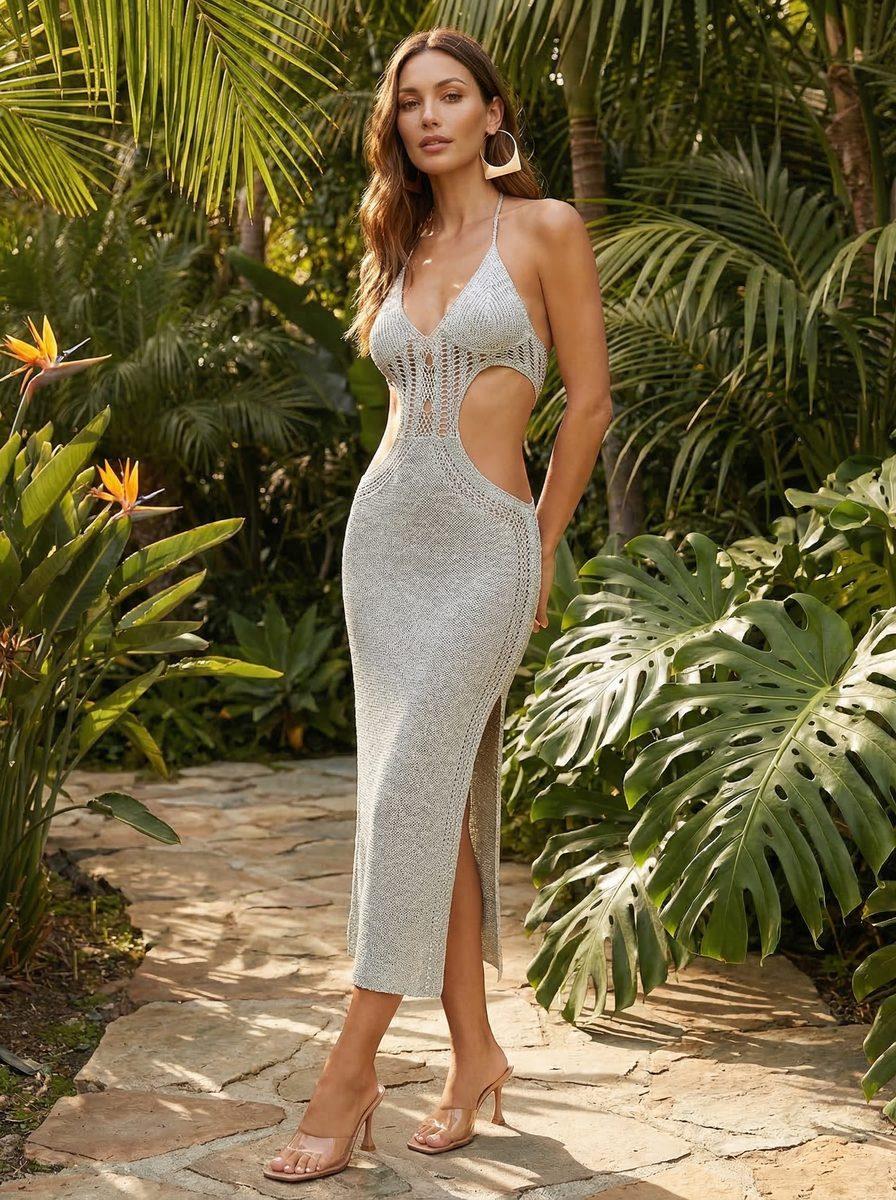
The Volume Challenge
If you have 100+ products, traditional photography doesn't make financial sense. You'd need 5–10 shoot days per year at $10,000+ per day. Our cost comparison guide breaks down the full numbers.
AI changes the economics:
| Scenario | Traditional Cost | AI Cost | Timeline |
|---|---|---|---|
| 50 products, 3 variations each | $9,400 | Significantly less | 7 days (AI) vs 8 weeks (traditional) |
| 200 products, 2 variations each | $37,600 | Significantly less | 10 days (AI) vs 16 weeks (traditional) |
| 500 products, 2 variations each | $94,000 | Significantly less | 14 days (AI) vs 32 weeks (traditional) |
AI Scaling Strategy
Phase 1: Launch focus. Generate hero photos for your top 30 products. Invest in high-quality variations here, since these products drive 80% of your revenue.
Phase 2: Core catalog. Once proven, expand to the remaining 100+ products. Use standardized templates to speed up generation.
Phase 3: Continuous optimization. Run a monthly refresh cycle. Test new backgrounds, new lifestyle scenes, and new seasonal contexts, then track what converts best.
Phase 4: Regional localization. Generate regional variations that show products in locally relevant contexts (different seasons, cultural contexts, styling).
Real-World Example: Online Fashion Retailer
A Singapore fashion retailer with 150 SKUs was spending $25,000 per season on product photography (4 shoots per year). By switching to AI, they significantly cut annual spend. At the same time, they increased photos per product from 2–3 to 5–8. The result: a 28% increase in conversion rate, faster product launches, and the ability to test seasonal variations.
Avoiding Common Mistakes with AI Product Photography
Mistake 1: Poor Product Source Images
Garbage in, garbage out. If you provide low-quality reference images, AI will produce low-quality output.
Solution: Provide the best reference images you have. If you don't have good reference images, describe the product in detail instead.
Mistake 2: Vague Creative Direction
"Make it look good" produces generic results. Specific direction gets you specific results.
Solution: Be detailed. "Luxury aesthetic, warm lighting, white background" beats "nice looking."
Mistake 3: Ignoring Platform Requirements
Amazon, Shopify, and Lazada have different image specs. Images optimized for one platform don't always work on the others.
Solution: Brief your AI team on which platforms matter most, and they'll optimize accordingly.
Mistake 4: Not Testing
Generating 100 variations and using the first good one isn't the best approach. The best-converting variation might be #47.
Solution: Test variants systematically. Track which backgrounds, angles, and styles convert best, then use those learnings for future products.
Mistake 5: Over-Editing
Some brands over-enhance AI-generated images with too much brightness, saturation, or color grading. This often makes photos look artificial.
Solution: Keep post-processing minimal. AI output is usually good enough as-is. Light optimization for consistency is fine.
Can I Use AI Product Photos on Amazon?
Yes. Amazon explicitly allows AI-generated images as long as they accurately show the product. No special disclosure is required for product photography.
Amazon policies:
- Product images must accurately represent the actual product.
- Lifestyle images can show the product in use, but must be visually distinguishable.
- Main product image must have clean white background and show the product clearly.
- No watermarks, logos, or promotional text on images.
AI-generated images that meet these requirements are fully compliant. Hundreds of Amazon sellers already use AI product photography successfully.
The Future of AI Product Photography for E-commerce
What's coming next:
Video integration: AI video generation will soon produce short product videos for Shopify and Amazon video listings. It's currently in beta and should become standard within 18 months.
Real-time personalization: AI will generate product photos personalized per customer. It will show the product on models that look like them, in settings they prefer.
3D integration: AI will generate not just 2D images but 3D models that customers can rotate and zoom in the browser.
Faster iteration: What takes 7 days will take 24 hours, with real-time generation in response to feedback.
Conclusion: AI Product Photography Is Table Stakes for E-commerce
AI product photography is no longer optional for competitive e-commerce brands. It's table stakes.
No traditional approach can match AI on cost, speed, and flexibility. You can afford to test, optimize, and iterate in ways you never could before.
The best e-commerce brands in 2026 won't be the ones with the most expensive product photographers. They'll be the ones using AI to generate endless variations. They'll test relentlessly and keep optimizing for conversion.
Ready to Transform Your E-commerce Product Photography?
We've helped over 150 e-commerce brands speed up product photography while increasing conversion rates. Let's discuss how AI can work for your catalog.
Book a Free Strategy Call