Quick answer: An AI photoshoot happens entirely online: you send product references, brand guidelines and a brief; the team art-directs prompts, generates test options, refines them with your feedback, then runs the full set and quality-checks every image. Expect finished, platform-ready images in roughly five to seven days, a small test round before you commit, and one or two revision rounds as standard.
- An AI photoshoot happens entirely online. You send your specs, AI creates the images, and you get finished photos back in days.
- The workflow runs from brief to delivery. You don't need a studio, a photographer, models, or a set time.
- You supply reference inputs and creative direction. Clearer inputs produce stronger results.
- Turnaround takes days, not the weeks a traditional shoot needs.
- Your team checks quality at every stage. This guide also flags when traditional photography is still the better fit.
What Is an AI Photoshoot? Understanding the New Workflow
An AI photoshoot works very differently from traditional photography. You don't book a studio, hire a photographer, arrange models, or spend hours on set. An AI photo shoot happens entirely online. You send your specs, AI creates the images, and you get finished photos back in days, not weeks.
But "photoshoot" is almost the wrong word for it. It's really image generation. The process feels more like working with a designer. They grasp your vision fast and hand you options to pick from right away.
Here's what you need to know about how an AI photoshoot actually works: what to prepare, and what to expect. For the wider picture — which shots suit AI, where a camera still wins and what it costs — see our complete AI photoshoot guide.
The AI Photoshoot Timeline: From Brief to Final Images
Most AI photoshoots follow a standard workflow. Here's what the timeline looks like.
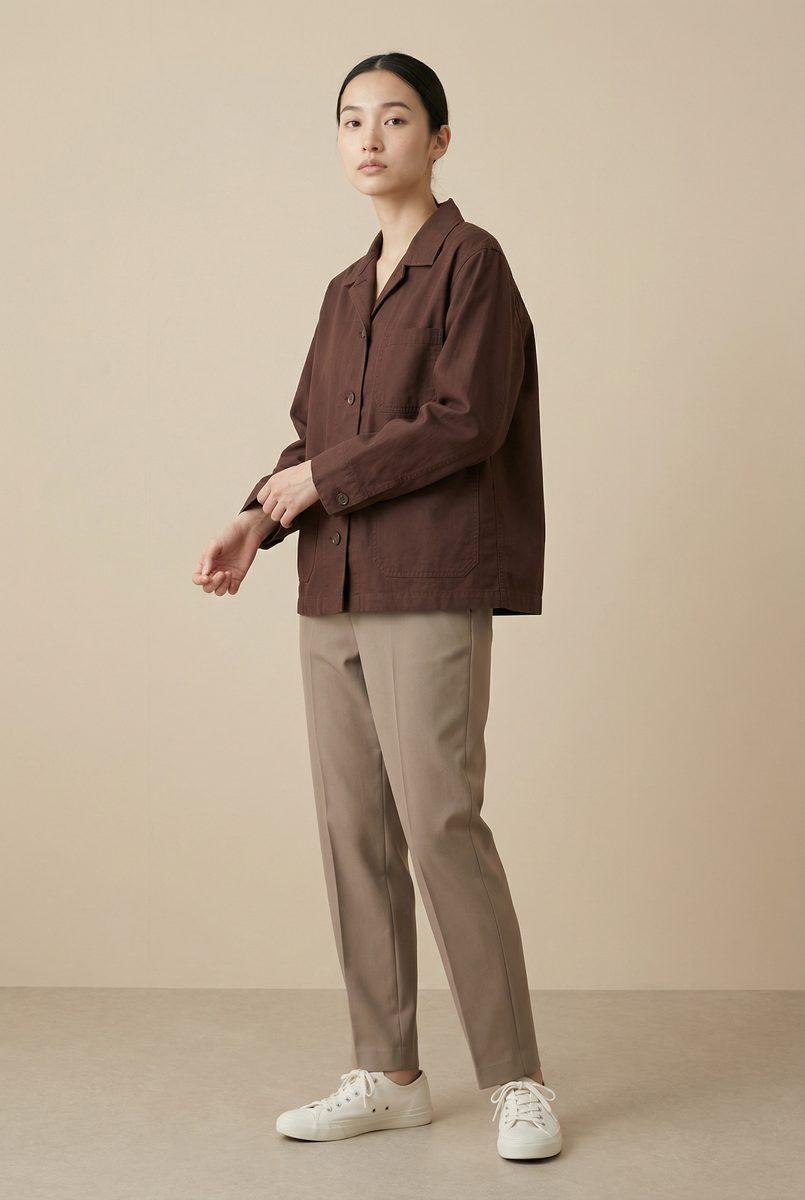
Day 1–2: Discovery and Creative Brief
You meet with your AI photography team. Together you talk through goals, style, target audience, and brand guidelines.
What you provide:
- Product images or detailed descriptions.
- Brand color palette and visual identity.
- Reference images (competitor benchmarks, inspiration).
- Target demographics and markets.
- Specific use cases (e-commerce, social, print, etc.).
What they provide: A creative direction document. It outlines style, lighting, composition, and aesthetic choices.
Effort required from you: 1–2 hours of consultation.
Day 3–4: Prompt Engineering and Test Generation
Your AI team "engineers" detailed prompts. These are exact descriptions that tell the AI what to create. This is the key creative step, whether for product photography or fashion shoots.
A good prompt looks like this:
"High-end women's leather crossbody bag in cognac brown, displayed on a clean white background with soft studio lighting. Three-quarter view showing texture and stitching detail. Professional product photography style. Shot on medium format film camera, f/2.8 aperture. Warm, luxury aesthetic. 4K resolution."
Your team creates test variations, typically 10–20 different options. These try out different angles, lighting, backgrounds, and styling.
Your role: Review the test images and give feedback. "Make the lighting softer," "Move the product higher in frame," "Try a lifestyle setting instead of clean background."
Timeline: 1–2 days of back-and-forth.
Day 5–6: Full Generation Run
Once creative direction is locked, the AI creates final variations at scale. For a 50-product photoshoot, this might mean 3–5 variations per product, so 150–250 images in total.
What happens: AI renders all images at once. Quality and consistency jump sharply once direction is locked, because the model now knows exactly what you want.
Timeline: 4–24 hours depending on volume.
Day 7: QA, Curation, and Post-Processing
Your team reviews all the images and picks the best versions. Then they handle final post-processing: cropping, color grading, and format tweaks for each platform.
Deliverables: Finished images in every format you need (website resolution, Instagram size, print specs, etc.), organized by product or SKU.
Total Timeline: 5–7 days from brief to delivery.
Compare this to traditional photography, which takes 4–6 weeks: planning, scheduling, shoot day, post-production, and retouching. We break down the full cost comparison for Singapore in a separate guide.
What Do You Need to Provide for an AI Photoshoot?
Your AI photoshoot succeeds or fails on the information you give upfront. Here's the complete checklist.
Product Information
Option A (Best): Give high-quality product images that show the item clearly from multiple angles. This gives AI the clearest reference.
Option B: Give detailed written descriptions: dimensions, materials, colors, features, and any unique details.
Option C (Minimum): Describe the product category (e.g., "luxury leather handbag") and give reference images of similar items.
Brand Guidelines
- Color palette: Primary, secondary, and accent colors (hex codes are helpful).
- Visual style: Minimalist, luxury, playful, editorial, commercial, etc.
- Lighting preference: Bright and clean, moody, natural daylight, studio, etc.
- Target aesthetic: Examples of photography you love (send 3–5 reference images).
Market and Use Case Information
- Primary target market (Singapore, US, UK, Australia, other).
- Demographic (age, gender, lifestyle, price point).
- Use cases (e-commerce website, Instagram, Pinterest, print catalog, etc.).
- Specific platform requirements (Instagram dimensions, Amazon A+ content specs, print DPI, etc.).
Optional But Helpful
- Competitor analysis (brands you want to look like visually).
- Seasonal context (if for summer/winter/holiday collection).
- Model preferences, if showing the product on models: age range, body type, skin tone diversity.
- Background preferences (white/clean, lifestyle, outdoor, specific setting).
How Long Does an AI Photoshoot Take? Turnaround Expectations
| Timeline | Small Project (1–10 products) | Mid-Size (20–50 products) | Large-Scale (100+ products) |
|---|---|---|---|
| Rush (3–5 days) | Premium pricing | Premium pricing | Premium pricing |
| Standard (7 days) | Significantly less than traditional | Significantly less than traditional | Significantly less than traditional |
| Extended (10–14 days) | A fraction of traditional costs | A fraction of traditional costs | A fraction of traditional costs |
Key insight: A longer timeline doesn't mean lower quality. It means your project gets more rounds of refinement, and maybe more variations too.
AI Photoshoot Quality: What to Expect
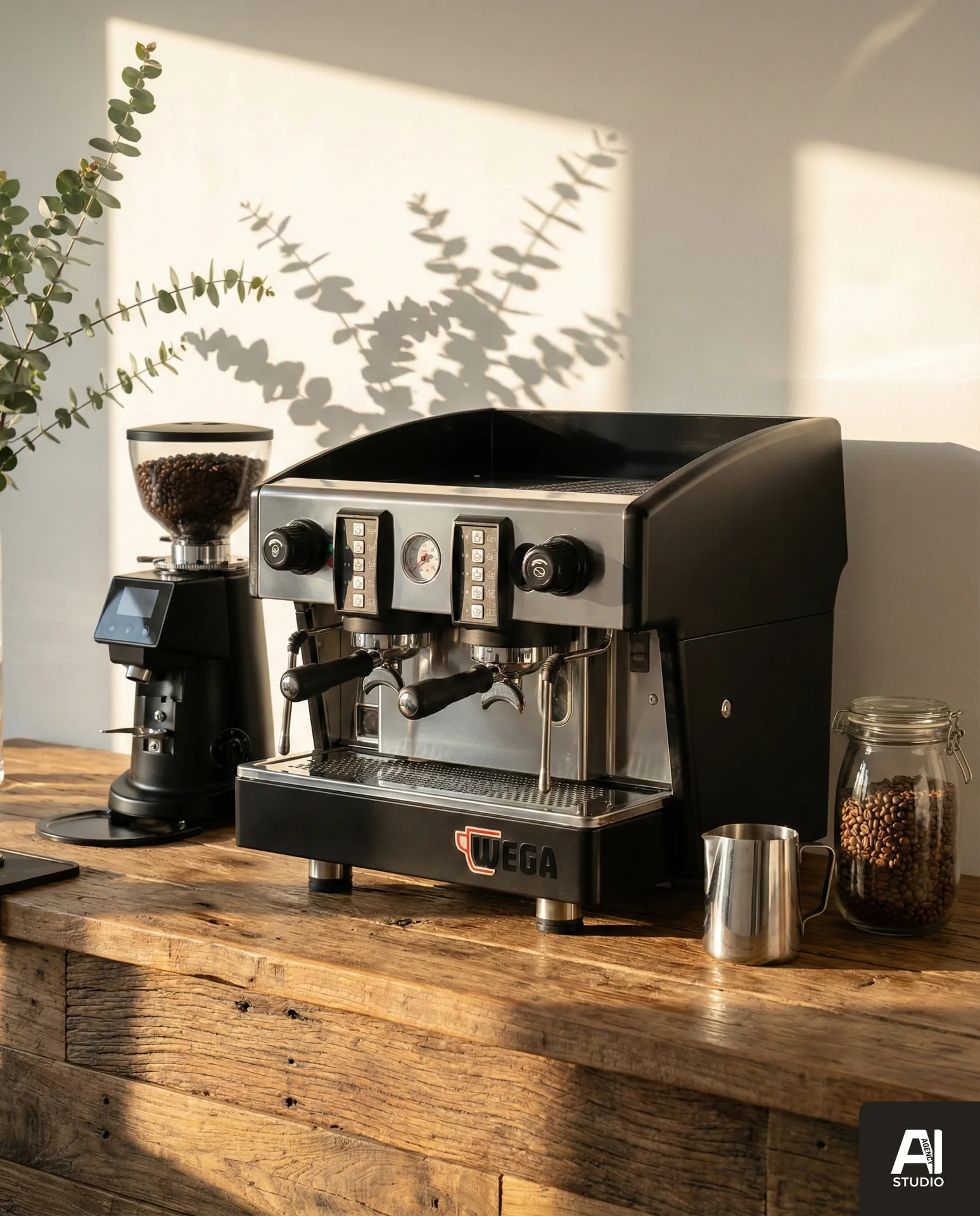
Want to see AI photography in action?
Book a free demo — we'll generate sample images from your actual products.
Book a Free DemoA well-executed AI photoshoot produces images that are:
Photorealistic: Most viewers can't tell them apart from professional photography. Product details, materials, lighting, and composition all look real.
Consistent: All images share the same lighting, color temperature, and style. Your product photos look like they came from one professional catalog, not a random mix of shots.
Optimized for conversion: Built for e-commerce, not artistic or editorial shots. That means a clear product view, good angles, and colors that convert.
Variable: You get 3–5 genuinely different versions of each product, with different angles, backgrounds, and styling, not just minor crops.
What Sometimes Falls Short
- Complex hand positions: If showing a product being held or worn, hands sometimes look slightly off.
- Fine texture detail: Very fine details, like delicate lace or tiny stitching, can blur or simplify.
- Reflective surfaces: Highly reflective items (mirrors, chrome, polished glass) sometimes show small distortions.
- Text and logos: AI sometimes struggles to render readable text on products.
These are technical limits of current AI. They improve every month, and for most product categories, you won't even notice them.
Pro Tip: Set Expectations Early
The quality gap between an AI photoshoot done well and one done poorly is huge. It comes down to two things: detailed creative direction, and expert prompt engineering. A team that understands your brand and knows how to "speak" to AI will deliver far better results. A team that just feeds generic prompts to an AI tool will not.
AI Photoshoot vs. Traditional Photography: When to Choose Each
| Factor | AI Photoshoot | Traditional Photography |
|---|---|---|
| Timeline | 5–7 days | 4–8 weeks |
| Cost (50 products) | Significantly less than traditional | Commonly five figures once studio, crew, models and retouching are added |
| Revisions | Easy and fast | Requires re-shoot |
| Variations | Unlimited (no extra cost) | Limited (higher cost per variation) |
| Model diversity | Infinite options | Limited by available talent |
| Authenticity | Generated (not real) | Real captured moment |
| Editorial quality | Commercial grade | Unlimited creative potential |
Use AI photoshoots when: You have high product volume, a fast deadline, a tight budget, or you need many variations — the typical profile for AI product photography for Shopee and Lazada listings.
Use traditional photography when: You're a luxury brand that needs editorial authenticity. This also applies if you have complex products with fine texture detail, or you need narrative storytelling.
How Do You Get the Best Results from an AI Photoshoot?
1. Invest Time in the Brief
Don't rush the discovery phase. Be specific about style, lighting, and look. The more detail you give, the better the AI understands your vision. Vague briefs produce vague results.
2. Provide Excellent Reference Images
If you have competitor brands whose photography you love, send those images. AI learns from examples, and a picture is worth a thousand words.
3. Be Specific About Platform Requirements
Tell your team exactly where these images will live: e-commerce website, Instagram, Pinterest, or print catalog. Each platform has its own rules for composition and cropping.
4. Plan for Iterations
The first round of images is rarely perfect. Budget for 1–2 rounds of refinement. Most good AI teams include revisions as a standard part of the process.
5. Clarify Commercial Usage Rights
Make sure you own the rights to use these images commercially, forever, across all platforms. Your contract should say this clearly.
6. Discuss Disclosure Practices
Ask whether you need to disclose that images are AI-generated. For most e-commerce use cases, you don't. For claims about authenticity or heritage, you should.
Real-World AI Photoshoot Example: A Fashion Launch
Scenario: A Singapore fashion brand is launching 30 new items for their summer collection. They need multiple variations, with different models, backgrounds, and styling, and they have a 3-week deadline.
Timeline:
Days 1–2 (Monday–Tuesday): Creative brief. The brand shares existing product images, mood boards, color palettes, and target market info.
Days 3–4 (Wednesday–Thursday): Test generation. The AI team creates 2–3 variations per product, so 60–90 test images. The brand reviews them and gives feedback: "Make lighting warmer," "Try lifestyle background," "Show on diverse body types."
Day 5 (Friday): Full generation run. With feedback locked in, AI creates 5 variations per product, or 150 final images, showing different models, poses, backgrounds, and styling. See what this looks like for fashion brands in our fashion photography portfolio.
Day 6 (Saturday): QA and curation. The team picks the best images, optimizes them for web and Instagram, and organizes them by product.
Day 7 (Sunday): Delivery. The brand gets all 150 final images, organized by SKU, with web and social versions ready to go.
Cost: A fraction of what traditional photography would cost.
Alternative with traditional photography: An 8-week timeline, a five-figure budget, and still limited to whatever happened on shoot day. There's no easy way to generate "what if" variations.
Common Questions About AI Photoshoots
Can we see options before committing?
Yes. Most reputable AI photography providers start with a discovery consultation and a small test round, typically 10–20 sample images on one or two of your products, so you can judge product fidelity and style before committing to a full project. Treat the test as a real brief: send proper references and name the platforms the images will run on, because a loose test produces loose samples that tell you little.
What if we don't like the results?
Good providers build revision rounds into the standard process, usually one or two after the test round. Give specific feedback on specific frames, such as warmer lighting, product higher in frame, or a lifestyle background instead of white, rather than a general "not quite right". Fidelity problems on the product itself should be corrected at no extra charge; a change of creative direction after sign-off is usually scoped as a new round.
Can we request specific models?
AI should not recreate specific real people without their consent, and reputable providers will not. It can, however, produce models that match a detailed description, such as age range, build, skin tone and styling, and keep that same generated person consistent across a full set. If you need a real founder, ambassador or customer in the imagery, that is a job for a camera, possibly combined with AI-generated backgrounds.
How are these images different from using Nano Banana Pro myself?
Tools like Nano Banana Pro and GPT Image 2 generate strong single images, and they are worth trying for rough concepts. A professional provider adds what the tool does not: creative direction against your brand, prompt engineering, product-fidelity checks against the real item, set consistency across dozens of images, post-processing and platform-specific formats. The difference shows most at volume, where consistency and quality control are the hard part.
Who owns the images, and can we use them commercially?
Your agreement should state that you receive full, perpetual commercial rights to the delivered images across all platforms, and that the provider will not reuse your product imagery for other clients. Ask before the project starts, not at delivery. Copyright law on AI-generated images is still evolving in several jurisdictions, so the practical protection is the usage terms in your contract rather than a registered copyright.
How much does an AI photoshoot cost in Singapore?
Pricing is quoted to the brief, meaning number of products, variations per product, whether models are involved, revision rounds and turnaround, rather than a day rate. For catalogue volumes the cost is a fraction of a traditional shoot because studio hire, photographer, model and stylist fees disappear; for a single hero image the gap narrows. Our AI photoshoot pricing guide breaks down the factors that move the number.
Conclusion: The AI Photoshoot as Standard Business Practice
An AI photoshoot is no longer a novelty or experimental tool. For product-focused businesses, it's a standard, reliable, low-cost way to create consistent, high-quality product images at scale.
The workflow is simple. Give a clear brief and work through a few rounds with your team. You get finished images in days instead of weeks, and cut photography costs substantially.
The key to success is partnering with a team that understands both what AI can do and your business goals. A rushed, generic AI photoshoot and a well-planned one look completely different.
Ready to Try an AI Photoshoot?
We've produced AI photoshoots for brands across fashion, food, beauty, and product categories. Browse our portfolio for examples, then let's talk about what's possible for your next launch.
Schedule Your Free Consultation