How to choose a personalised video for your occasion
Start with who will watch it and what you want them to remember. A couple’s story often works best as a timeline. A tribute for one person is often stronger when several people tell stories about them.
| Occasion | What the film can do |
|---|---|
| AI wedding video | Tell guests how you met and bring an unphotographed moment into the story with an illustrated scene. |
| AI wedding anniversary video | Pair photos from the wedding album with moments and family messages from the years since. |
| Personalised birthday video | Gather inside jokes, short messages and snapshots around the person you’re surprising. |
| AI retirement video | Let teammates tell the stories behind a career and thank the person they worked with. |
Moments to build a celebration video around
AI-generated fictional keyframes, created by AI Studio for this illustration.
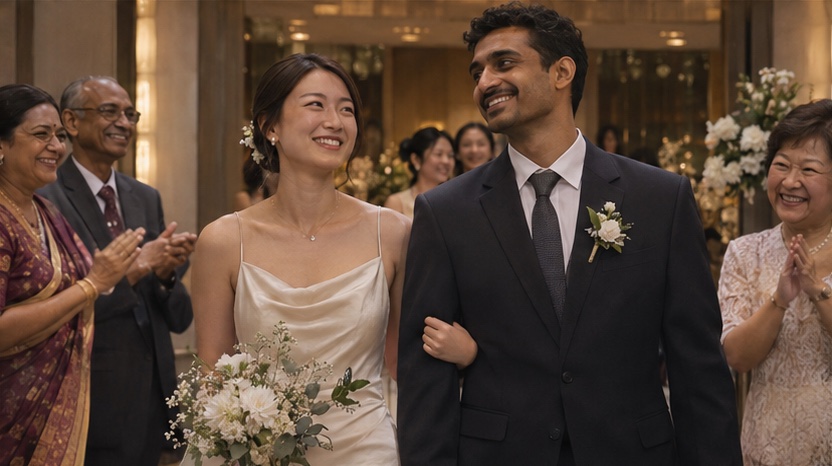
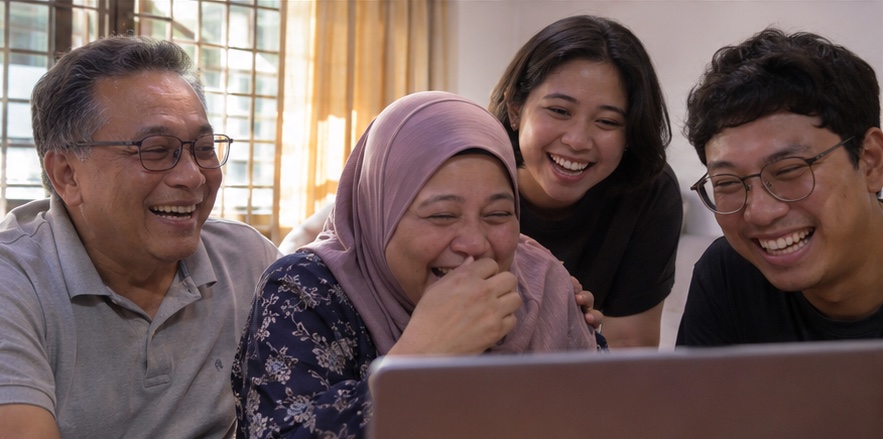
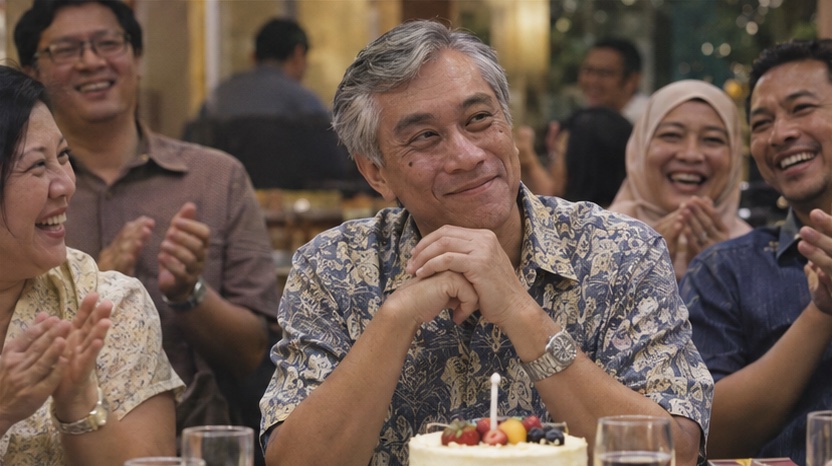
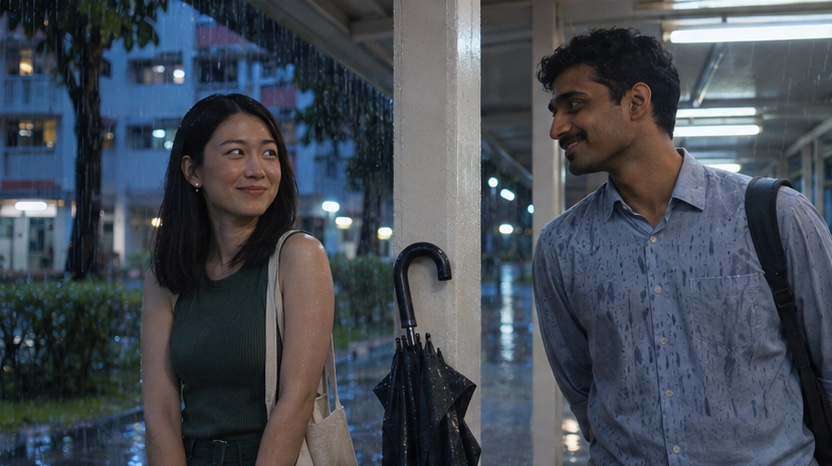
These sample keyframes show three different endings we created. The couple enters a room full of guests, the birthday surprise holds on one person’s reaction, and the retirement film ends with the team together. Pick the feeling you want the final frame to leave with the audience.
Decide what to animate
Try this with the photo you most want to use. Tell someone who knows the person what you remember about the moment. If they recognise the expression in the picture and that’s what makes the story work, keep the photo as it is. If the story depends on something just outside the frame, an illustration of that detail can help people picture it.
For example, a retirement photo might show someone standing beside an office desk. If the story is about the handwritten notes they left for colleagues, animate a notebook opening and let the photo itself stay still. Keep the original voice when someone has recorded a good message.
How to brief your personalised video
- Decide how it will be seen. Tell us if the film is for a venue screen, a phone or both. The viewing setup affects framing, captions and the way we pace the edit.
- Pick the material that tells the story. Flag the photos, voices and clips that matter most. One note about what was happening in each image can save a lot of guesswork.
- Agree on the edit. We’ll discuss what to keep as original footage, where animation could help and what versions you need. Our AI video production service explains how we scope generated scenes and review an edit.
Questions about personal AI videos
Can I start with photos and no video footage?
Yes. Captions, photos and a recorded message can tell a complete story. An illustrated scene is an option if you want to show something nobody recorded.
Can I order a video as a surprise?
Yes. Tell us who will coordinate the brief, review the cut and receive the finished video.
Which video format should I choose for an event and a phone?
Tell us about both uses at the start. A wide venue screen and a vertical phone video may need different framing or text placement.
Can I keep the original faces and voices?
Yes. The edit can keep the photos and recordings as supplied and use animation for titles, objects or an illustrated setting.
What affects the quote?
The scope depends on the amount of source material, the complexity of the edit, any custom animation and the versions you’ll need.
Browse the AI Studio video portfolio for our wider editing and visual work. In its August report on generative AI in advertising, CNA interviewed Carol Tan about enterprise adoption in Singapore. Carol Tan is the founder of AI Studio and brings 14 years of agency experience to the studio.
Tell us about your personal AI video
Tell us who the film is for and whether it will play in a room or on a phone. We’ll help you choose a starting point.